Video placeholder
720 × 1280
720 × 1280
Indian Menswear
Kurtas, sherwanis and festive looks, without the long trial room queue. Ideal for ethnic and wedding wear brands.

Shoppers hesitate when they can’t picture an outfit on themselves. Our GenAI virtual try-on lets them see the entire catalogue on themselves. It works everywhere, instantly.


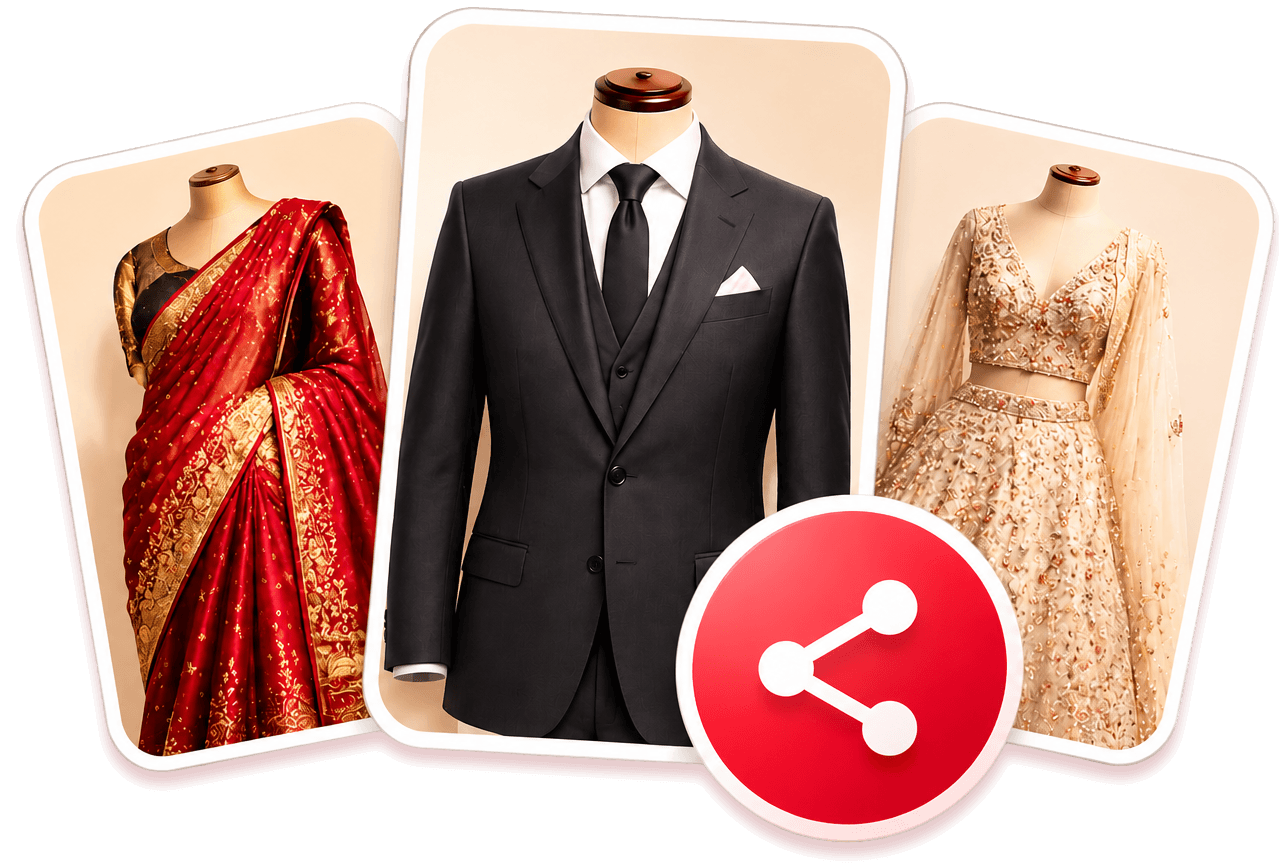
Send us your outfit photos.
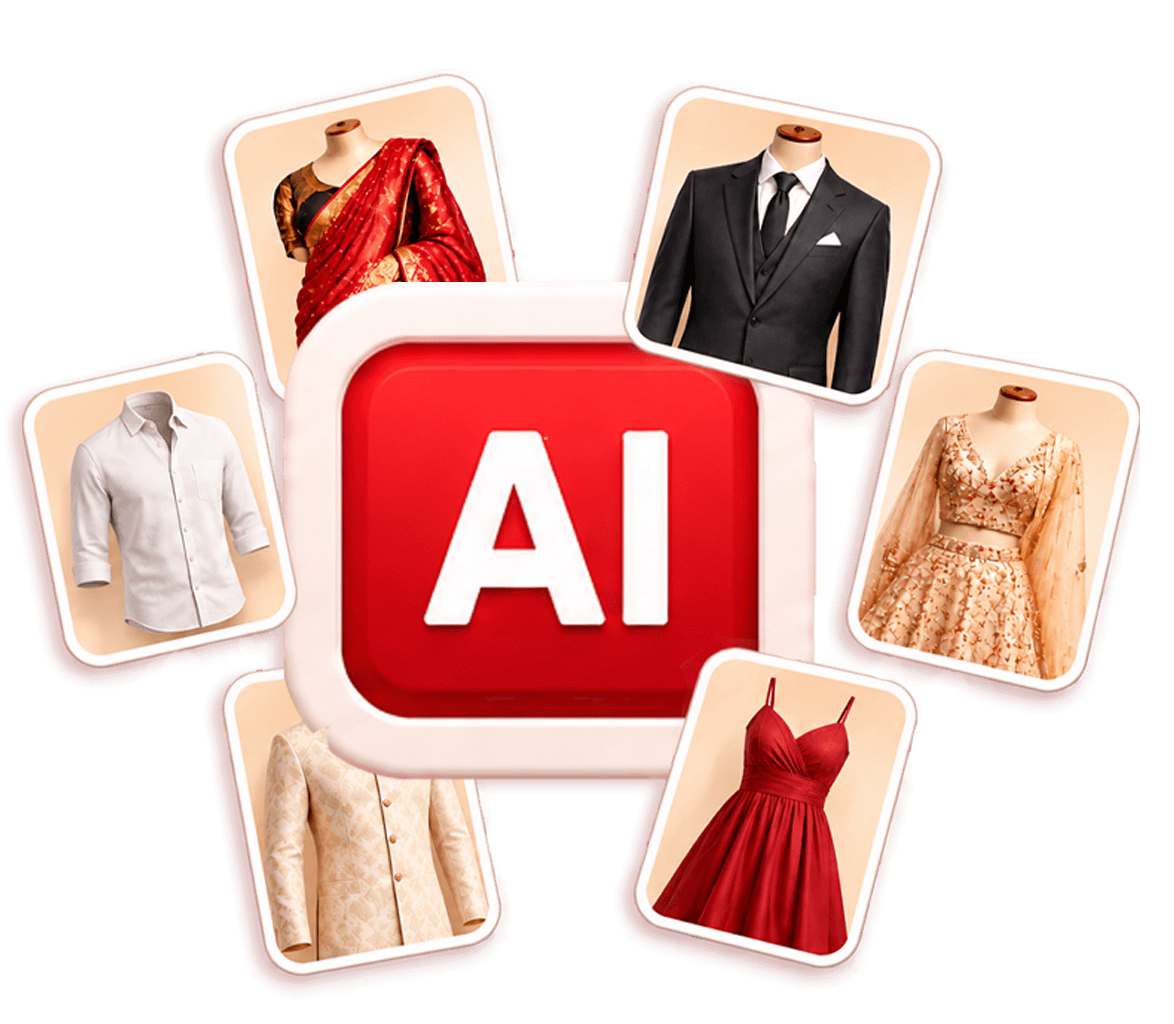
Optimise AI for every outfit type.
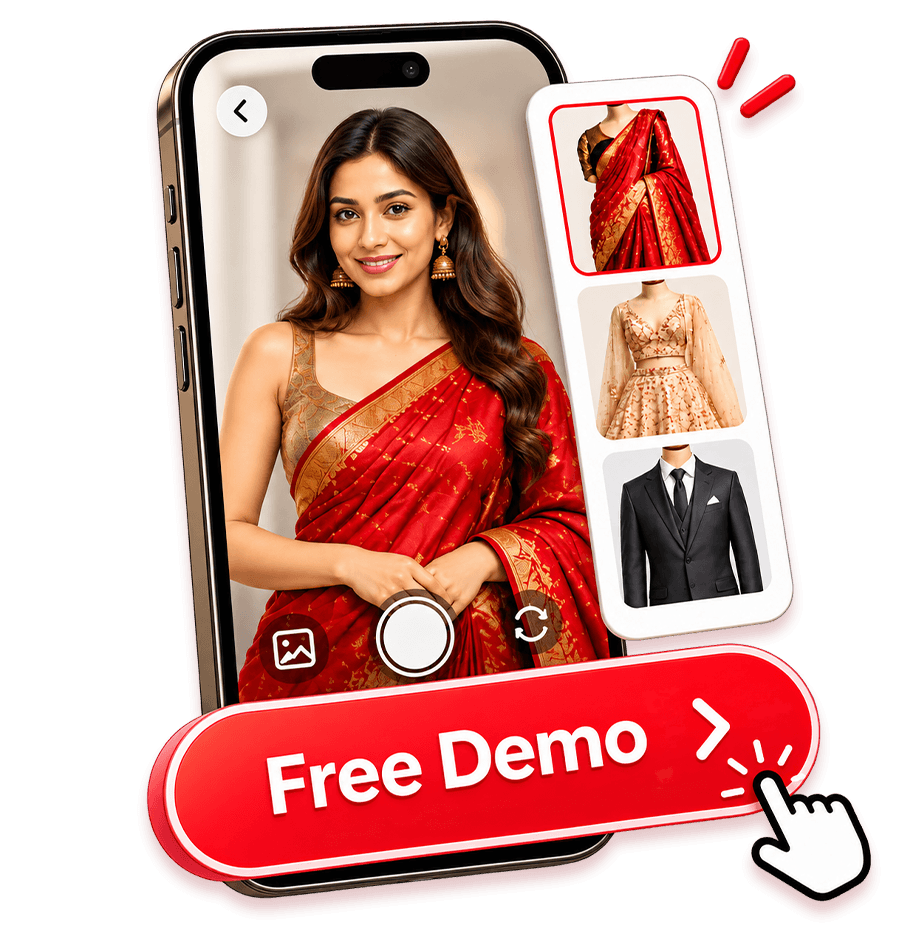
Test with 20 free try-ons.

Integate seamlessly with your existing platforms.
Choose web, app, WhatsApp, in-store, or QR.
Launch with encrypted, privacy-first try-ons.
Kurtas, sherwanis and festive looks, without the long trial room queue. Ideal for ethnic and wedding wear brands.
Find the right saree, minus the hassle. Ideal for saree brands, ethnic wear labels and festive collections.
Suits, blazers and more, on you. Ideal for formal wear, occasion wear and menswear brands.
Kurta sets, lehengas and more, on you. Ideal for Indian womenswear retail brands and boutiques, ethnic wear labels, and festive collections.
Realistic skin tones, true-to-life textures, and a natural fit — every detail matters.
Shoppers virtually try-on the outfit and buy with more confidence.
Deploy online (your website, apps, whatsapp) and in-store (digital kiosks)
Add discount codes or contests to drive more sign-ups and repeat visits.
Social, print ads, in-store standees, or QR codes on packaging. One link, many touchpoints.
See which outfits get tried most. Use it plan stock and promotions.
Works with your website, app, WhatsApp Business, in-store kiosks, social and QR.
We check the shopper’s photo is usable before anything is generated.
Send the photo with the product they picked.
AI builds the look in the background, so your app stays fast.
A secure webhook sends the look to your app, site or chat.
Quick answers to what brands ask us most, from how it works and integration to pricing and privacy.
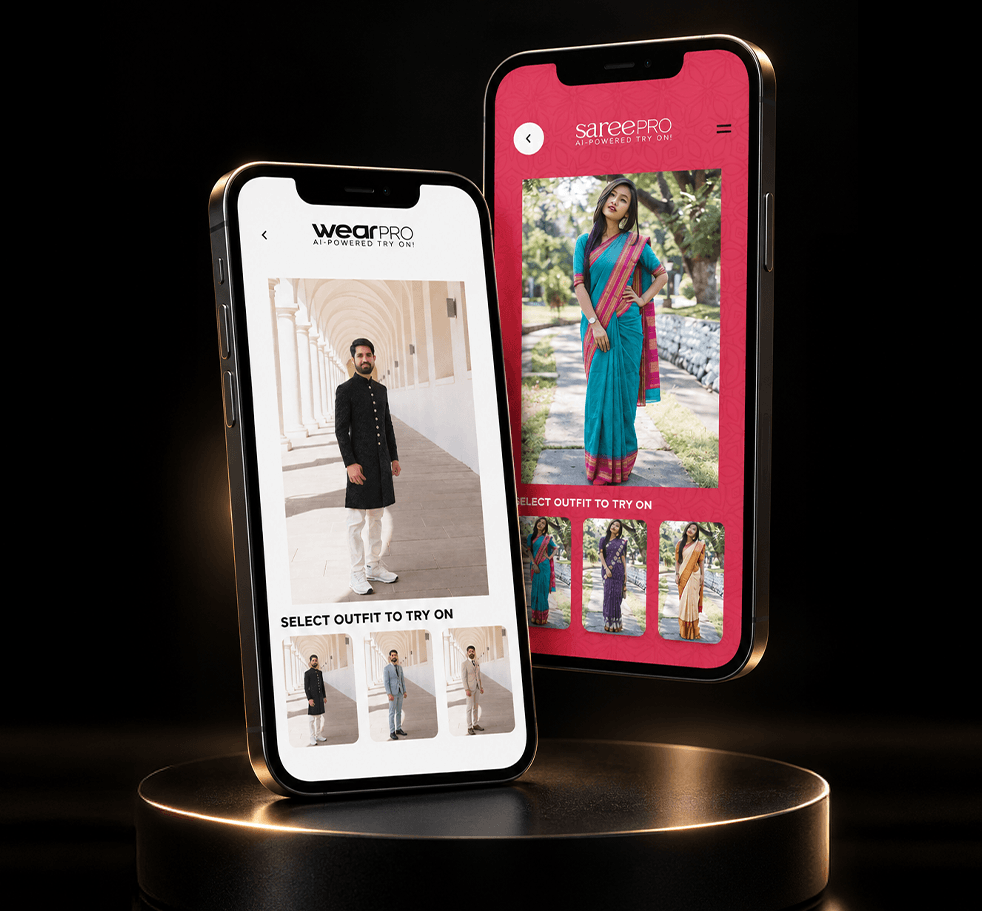
WearPro AI is AliveNow's AI virtual try-on tool for men's Western and Indian wear. Shoppers upload one full-length photo and see themselves in suits, blazers, kurtas and sherwanis from a brand's catalogue, without stepping into a trial room.
Saree Pro AI is AliveNow's AI virtual try-on tool for sarees. From one photo, it shows how a saree drapes on the shopper, including the pleats, pallu and border, across weaves like Kanchipuram, Banarasi, Mysore Crepe and Chanderi.
A shopper uploads one full-length, front-facing photo, which an AI model verifies first. They pick up to three outfits from the brand's catalogue, and the AI creates an image of them in each one. Looks are shown on screen or sent by email or WhatsApp, depending on how the brand sets it up.
WearPro AI covers Western menswear (suits, blazers, shirts and trousers) and Indian menswear (kurtas, sherwanis and festive wear). Saree Pro AI covers sarees from everyday to bridal. Indian womenswear, including kurta sets and lehengas, is coming soon.
Shoppers want to see the outfit on themselves, not on a model. In a 2023 Google and Ipsos survey of 1,614 US online clothing shoppers, 42% said they don't feel represented by images of models, and 59% had been unhappy with an item because it looked different on them than expected. Virtual try-on answers that question before the purchase.
It targets one of the most common reasons clothes come back. A McKinsey survey of apparel retailers found 70% of returns were caused by poor fit or style (McKinsey), and Coresight Research puts the US online apparel return rate at 24.4% (Coresight Research). Try-on helps with the style side: shoppers see the look on themselves before they buy.
No. WearPro AI and Saree Pro AI run in the browser, so a link or QR code takes shoppers straight in on any phone.
Anywhere you can share a link or QR code: your website and product pages, social posts, stories, ads and bios, WhatsApp broadcasts, SMS and email, print ads, catalogues, packaging and shopping bags, and screens in your stores.
Yes. AliveNow's APIs connect the try-on engine to your website, app or WhatsApp Business chatbot in four steps: validate the photo, send the request, generate the look in the background, and deliver it through a secure webhook. Shoppers stay inside your brand's interface throughout.
Yes. The try-on engine is ready to use, and our APIs plug it into your existing website, app or WhatsApp, so there’s no new app or website to build. Before it goes live, we customise it for your clothes and looks so the results match your catalogue.
Your system sends us the shopper’s photo, which we check first, and then the product they picked. Our API generates the look and sends it back through a secure webhook. You don’t need to build or host any AI, and we work with your tech team through set-up.
Yes. We can add try-on to your Shopify store as a “Try it on” button on product pages, or build it in more deeply through our APIs.
No. Looks are generated in the background on our side, so your pages and app stay fast. Your system is notified as soon as each look is ready.
We regularly test new AI image models as they launch, comparing output quality and cost side by side. When a newer model gives better results for less, we switch to it. Your try-on keeps improving, and you always get the best results for your budget.
Yes. Photos are used only to create and deliver the shopper's looks. Uploads and deliveries are encrypted with secure API access, and retention, consent wording and disclaimers can be set to match your brand's policies.
Yes. It runs on tablets, screens and kiosks, so shoppers can shortlist on the floor instead of waiting for a trial room. AliveNow builds the try-on experience and works with your hardware provider, since hardware set-up is outside AliveNow's scope.
Yes. Shoppers Stop used the same technology for its Dasara campaign. A QR code in newspaper ads led readers to Shoppers Stop’s WhatsApp chat and a GenAI try-on microsite, and each personalised festive look was sent back on WhatsApp.
There are two parts: a one-time fee for design and development, and an AI usage fee of about ₹7 to ₹8 per image generated. Each look a shopper tries counts as one image. Share your catalogue size and channels at [email protected] for a quote.
Start with a free demo. We’ll build it with a few outfits from your catalogue and include 20 try-ons at no cost, so your team can see the results first. Once the project is approved, pricing has two parts: a one-time fee for design and development, and an AI usage fee of about ₹7 to ₹8 per image generated. We’re also happy to discuss pricing for other types of outputs. Write to [email protected] to get started.
Tell us about your catalogue and campaign and we’ll set up the experience for your brand.